Welcome
Welcome to the site of solemnwarning (Daniel Collins), here you will find software and other debris I've published over the years.
Latest posts 
Dual-Node Dell N06D Thin Client Server
Posted in Computer Hardware on 11 Aug 2024 at 15:52 UTC
Do you ever have those ideas that are really time consuming for not much reward? I get those a lot, and this one lodged in my head.
I've been running a Dell Wyse N06D thin client with a pair of 2.5" SSDs in USB enclosures cable-tied to it as my mail server for a while now, it works... but its a bit... rough.
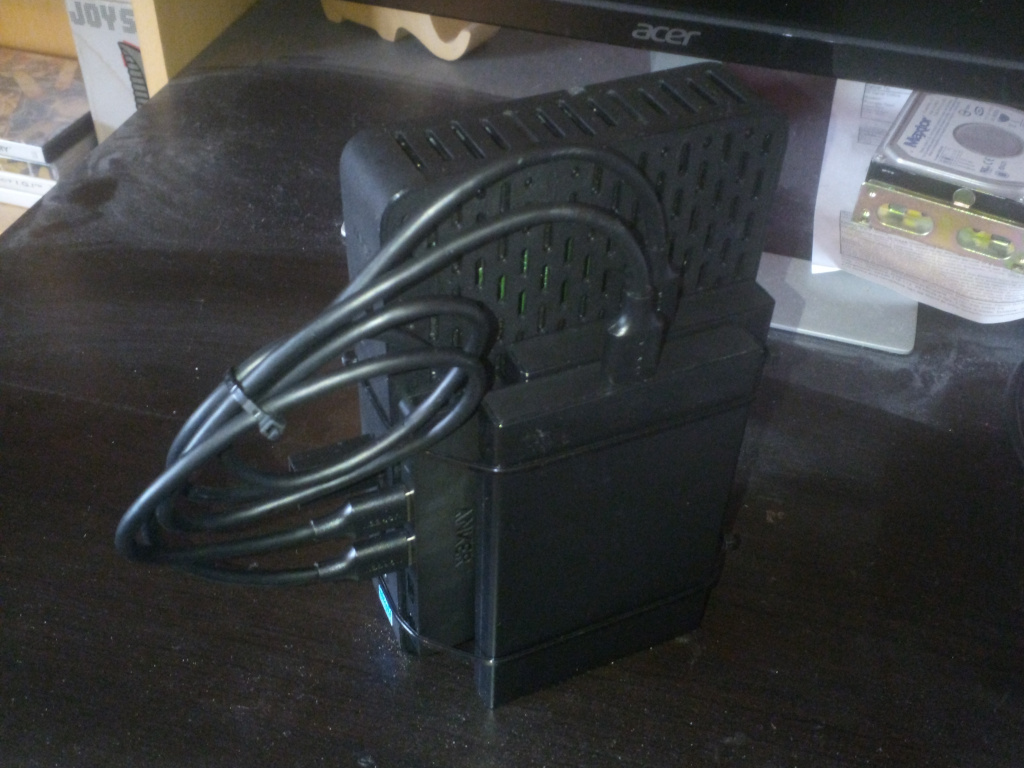
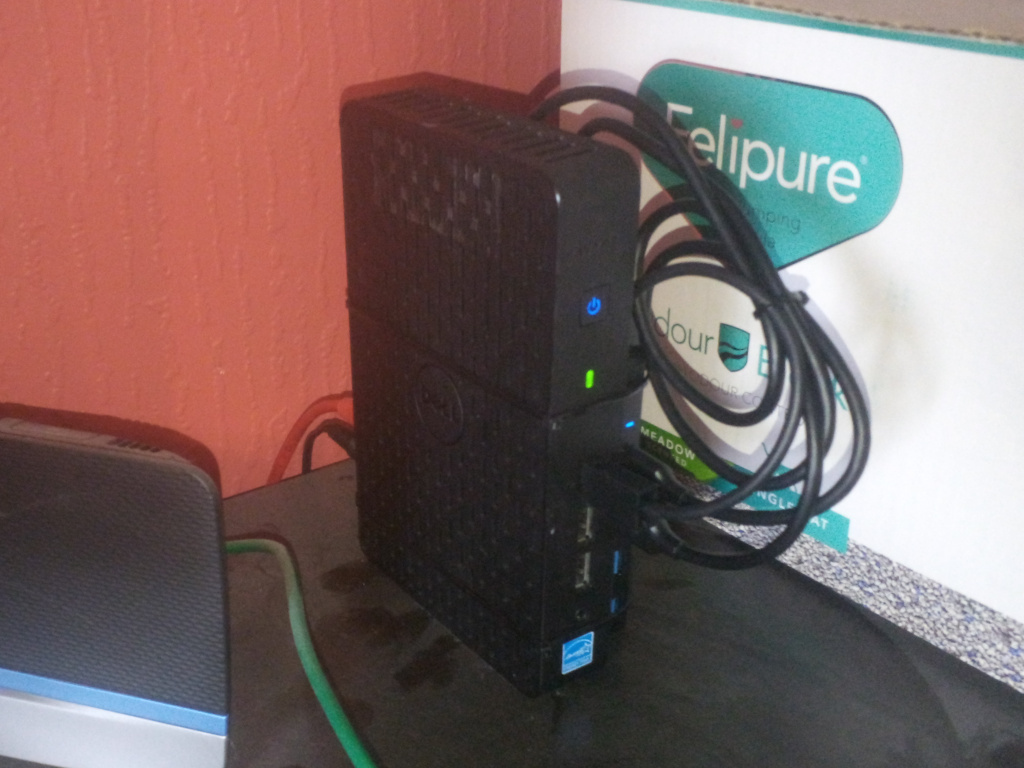
"The motherboard in this is pretty small... I could put it into a 1U enclosure along with a power supply and drives and have plenty of room left over."
"In fact... I could build a dual-node one!"
"I don't need a second node and don't know what I'd do with it, but..."

And so that's how this project began.
Watercooling a custom Supermicro-based server
Posted in Computer Hardware on 04 Jun 2024 at 19:14 UTC
Earlier this year, I built a server using a Supermicro X9DRi-LN4F+ motherboard in a custom case (build thread), it is loud. It is very loud.
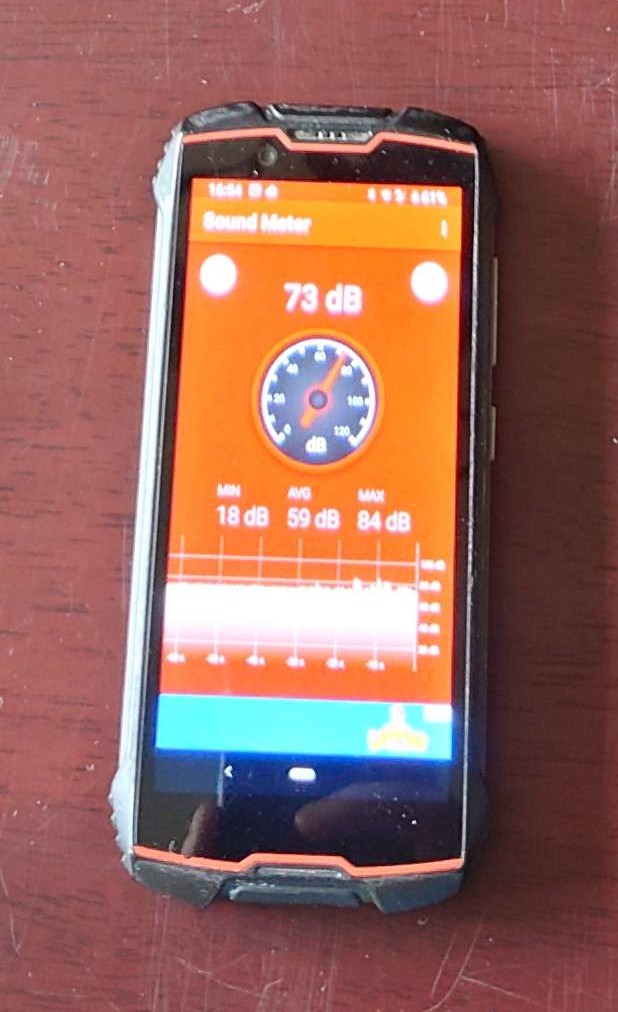
My phone running some random sound meter app is scientific, right?
Before starting this project, I took some baseline measurements - at idle, I recorded a noise level of 30 decibels in front of the server and both CPUs were hovering around 40C, after 10 minutes of running stress-ng --cpu 32, the recorded noise level was 73 decibels, the front CPU was hovering around 55°C and the rear CPU, ingesting the pre-heated air from the front CPU cooler was sitting around 75°C.
Not ideal.
I've always felt water cooling was unnecessary and overkill for computers... but with a server I can hear throughout the house whenever a CI job spins up on one of my projects, I'm willing to try it.
I don't want to go on the cart!
Posted on 31 Aug 2022 at 16:36 UTC
So its been over 2 years since I last posted anything on this website, I'm still around though.
Those of you who follow me on GitHub have probably seen that I've been spending a lot of time on-and-off developing rehex (which I should probably write about here at some point), and besides that, most of my time has been taken up between my day job and a never-ending stream of repairs around the house.
Nothing exciting, just figured it was about time I put something here before people started auctioning off the furniture :v
Testing IPXWrapper in The Cloud
Posted in Software Development on 27 May 2020 at 21:39 UTC
At the end of the last article (In September 2017 actually), I had a fully automated regression testing system for IPXWrapper. In September of 2019, after two years of not touching the system and doing a little work on IPXWrapper itself, I felt it was time to install Windows updates in the VM images... and that's where everything went wrong....